WhimNotes is a Mac scratchpad that appears instantly when you need it. Press a keyboard shortcut, type your thought, press again to hide. Your note is saved automatically and you're back exactly where you left off.
Requires Apple Silicon (M1 or later) · macOS 12 or later
From any app, any Space, any moment. WhimNotes surfaces immediately — and disappears just as fast with the same customizable keyboard shortcut.
Set a reminder straight from your scratchpad. A native Mac notification fires when it's time with no third-party services involved.
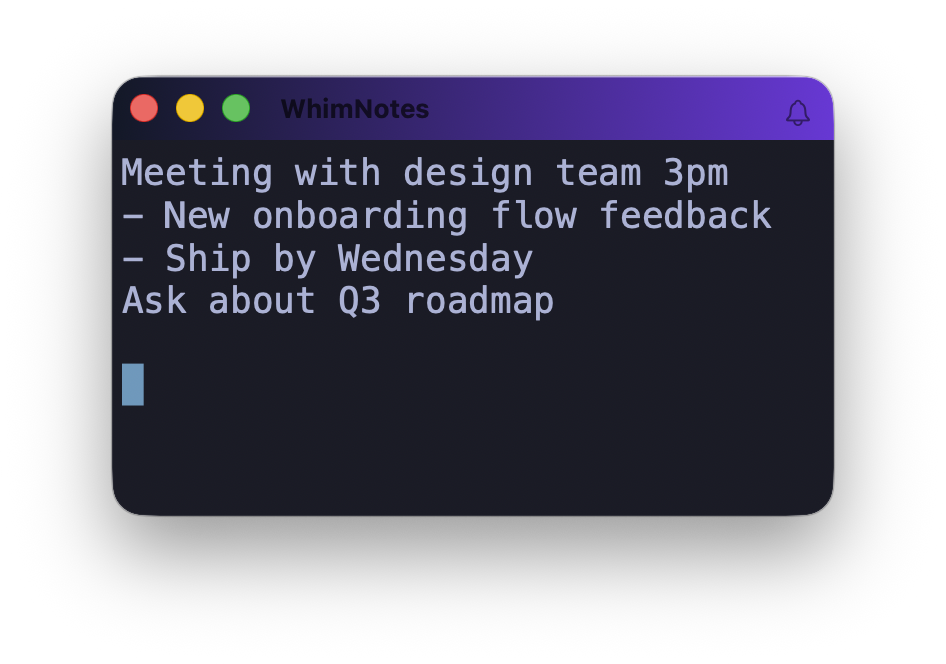
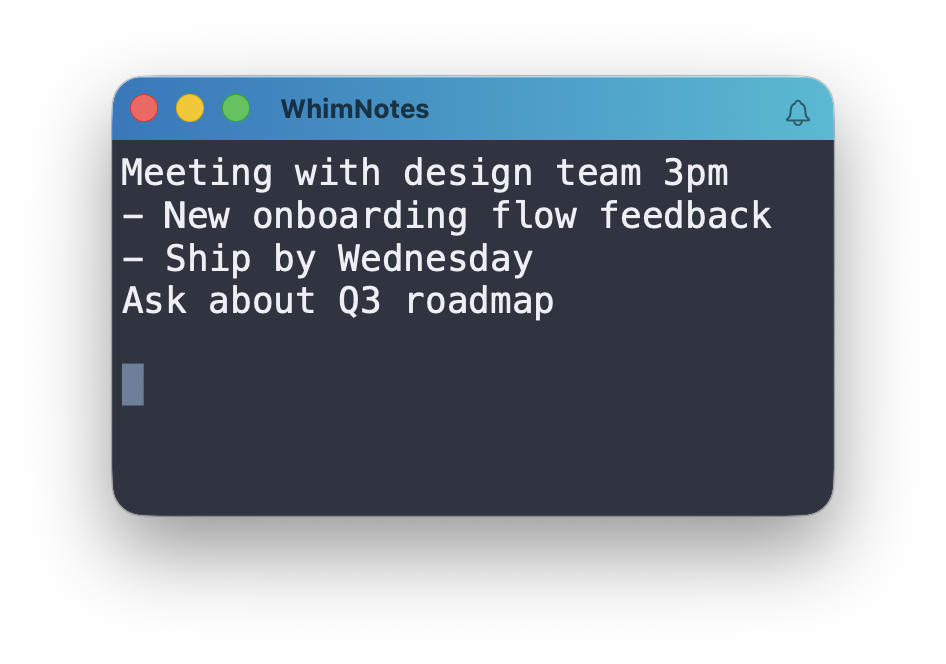
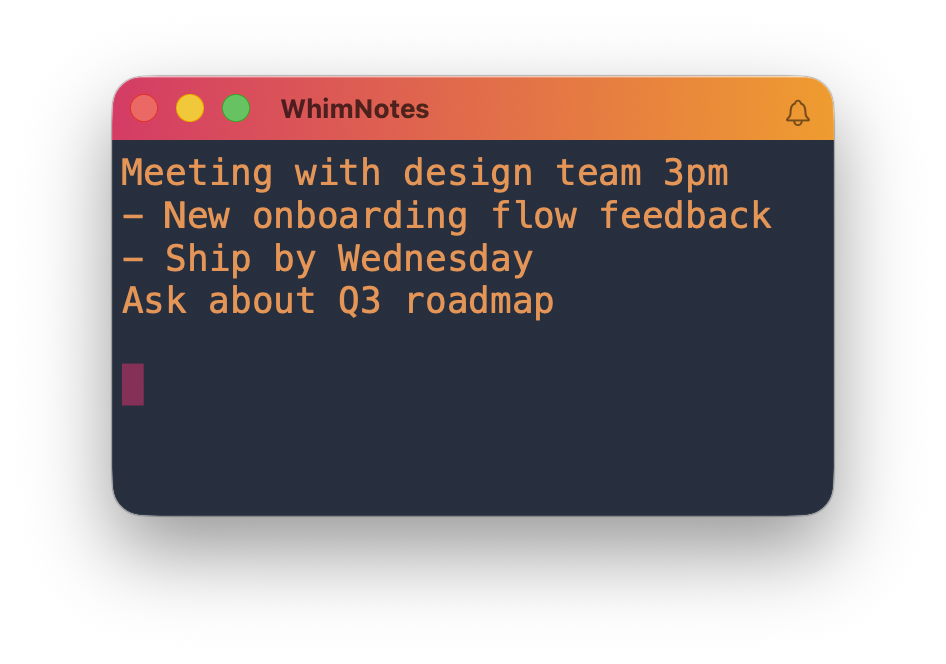
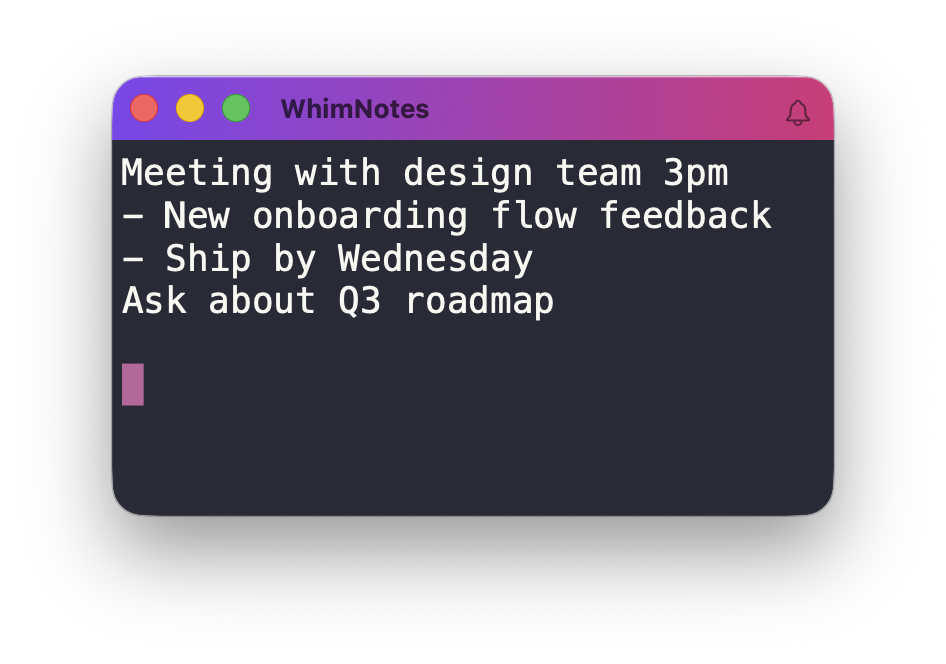
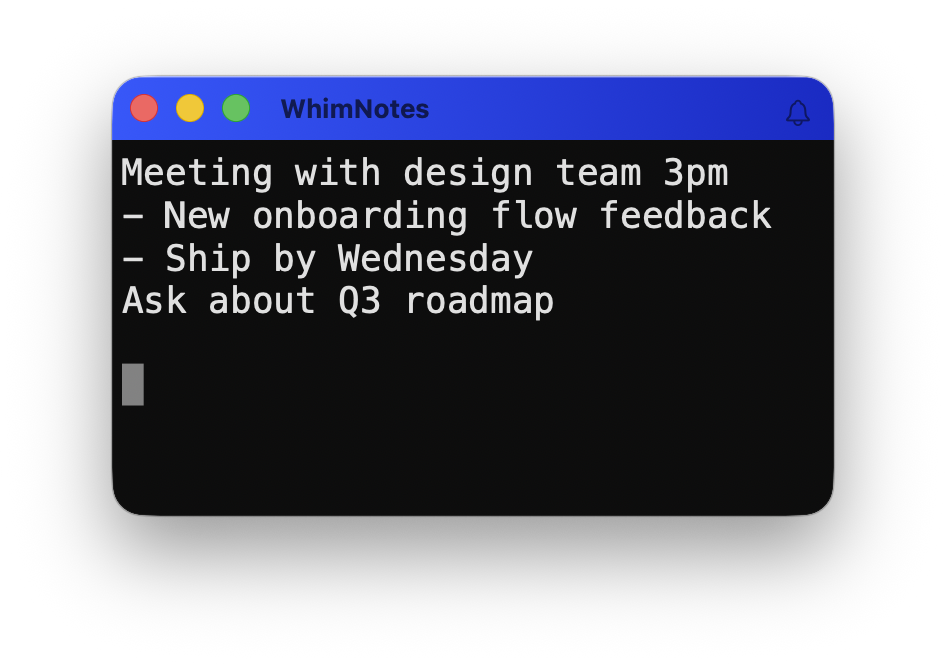
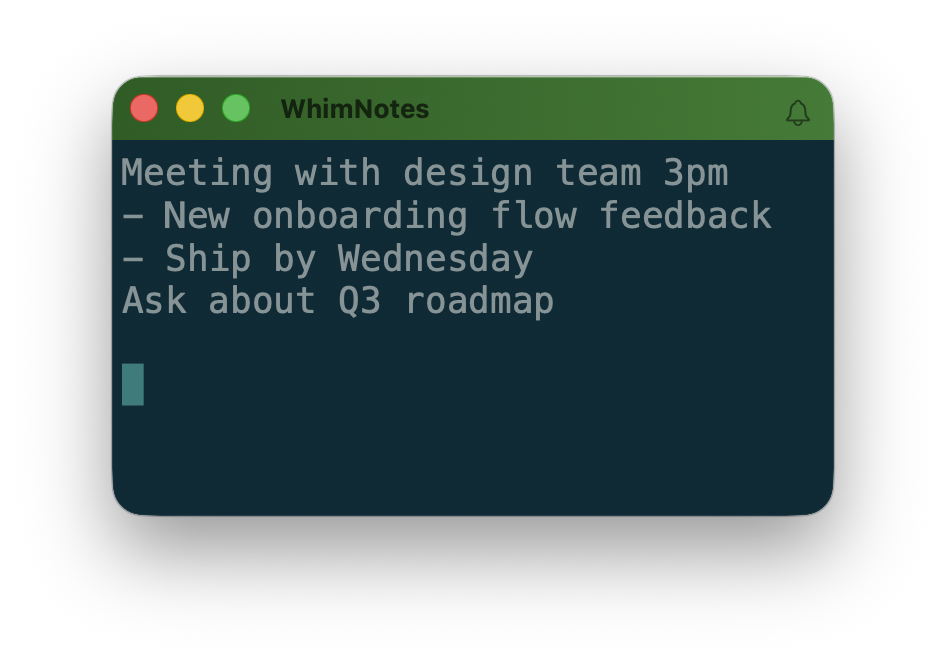
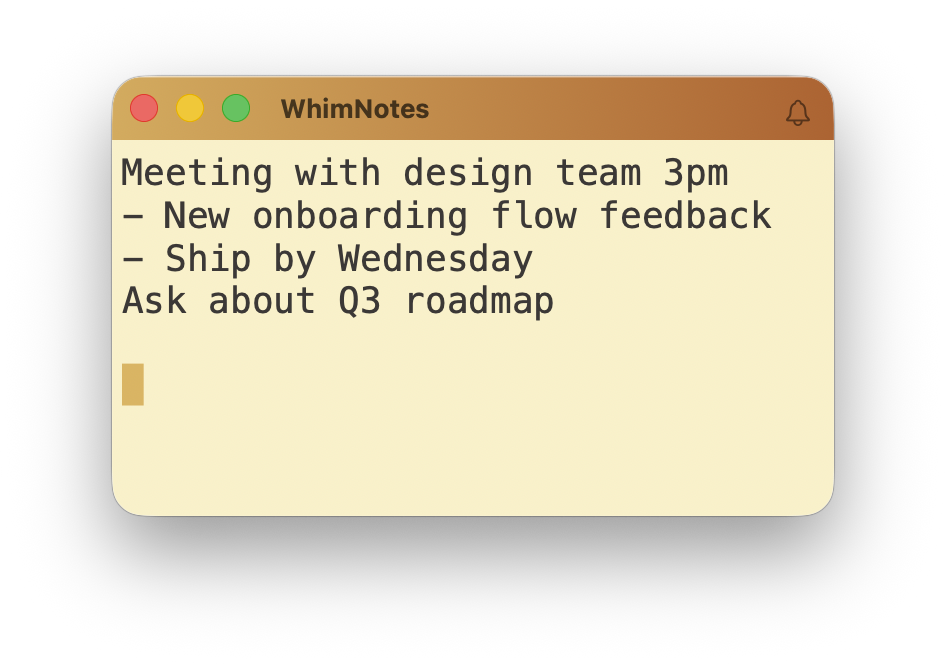
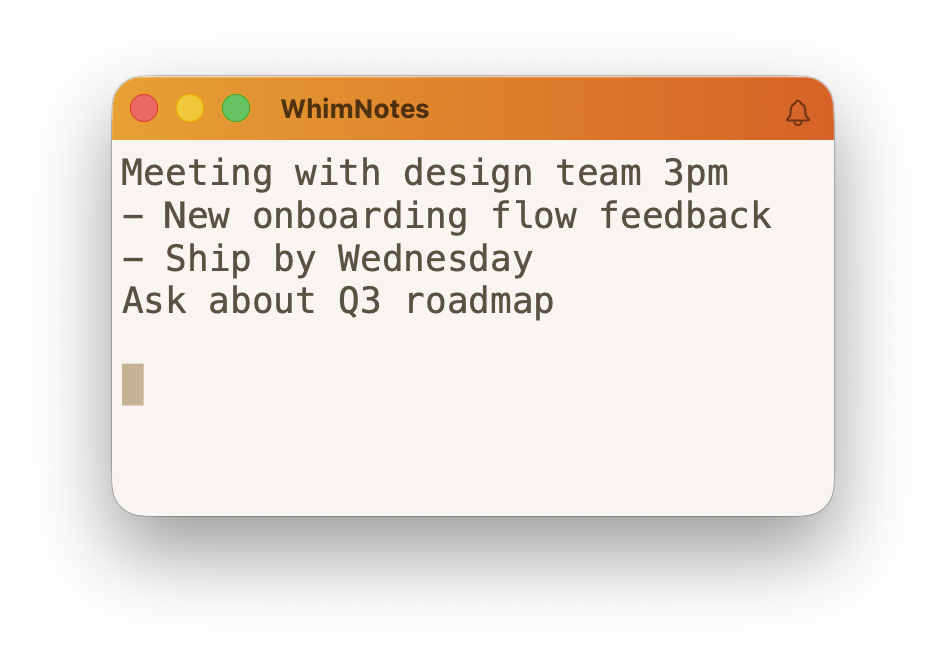
30+ built-in themes, 30 title bar gradients, custom colors and font, and adjustable window opacity. Your scratchpad can look exactly how you want it to.
Compiled directly to machine code. No runtime, no interpreter, no cold start. It's fast, only ~5 MB large and uses less RAM than a browser tab.
Your notes are saved automatically as you type. Close the app, reopen it and everything is right where you left it.
Your notes never leave your Mac. No cloud, no account, no AI training on your data. Everything is stored locally and only accessible to you.
Or customize your own — pick colors, title bar gradient, font, line spacing, and window opacity until it's exactly right.
A few of the built-in themes
WhimNotes appears instantly over whatever you're working on — focused and ready for input.
A task, a link, an idea, a code snippet. No categories, no folders, no structure required. Just type.
WhimNotes disappears and your original window is back in focus — exactly as you left it.
Try it free for 14 days. No credit card required.
Requires Apple Silicon (M1 or later) · macOS 12 or later